Radiance downloads
V1.17
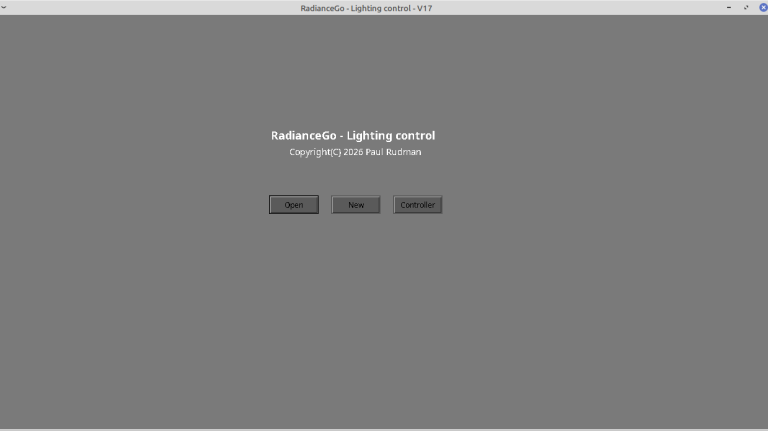
RadianceGo - Windows installer
Use the Download button to fetch RadianceGo.zip, then:
1) Right-click and select Extract All - choose any directory - you won't need to keep finding it
2) Double-click on 'Add to programs menu' / 'Create desktop shortcut'
You can delete the .zip file, but the unzipped files must stay together.
Note: The first time you run the program, your anti-virus may want to do a few scans. This may take a while, but expect it to pass.
V1.17
RadianceGo - Mac installer
Use the download button to download the installer for Apple Macs (M1 and newer CPUs).
Then just drag the downloaded installer to your applications.
Note: During install and the first time you run the program, you may be asked to confirm that you wish to proceed. As a small developer we are working on submitting the program to Apple for notarisation; in the meantime please select 'ok' or 'run anyway'.
V1.17
RadianceGo - Linux installer
Use the download button to download the installer for Linux (Debian/Ubuntu).
Then just double-click the downloaded installer to add it to your programs menu.
V1.0
Example patterns
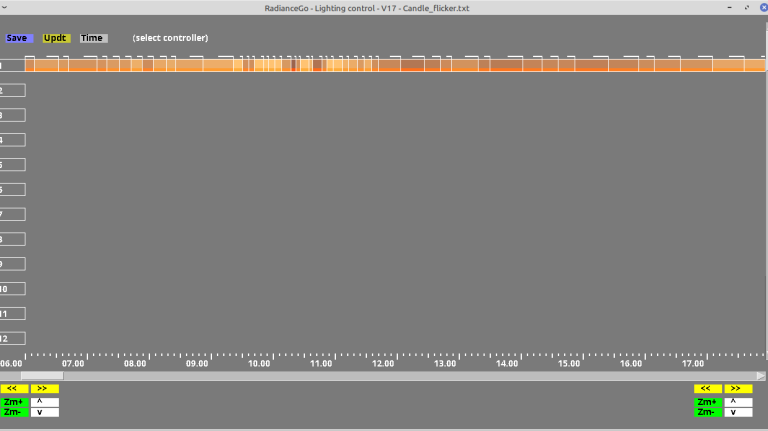
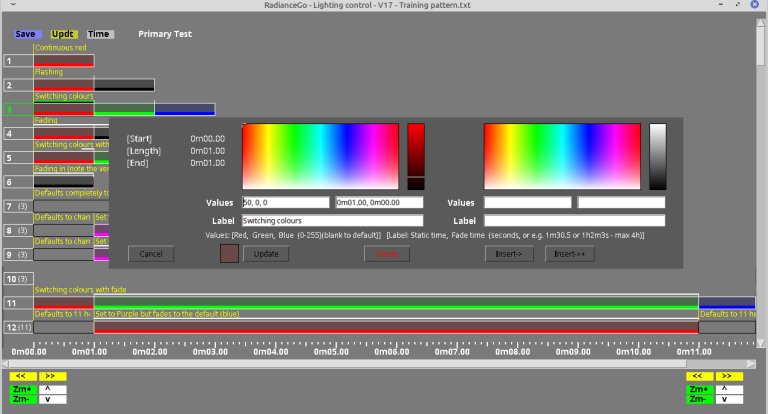
Download a selection of example patterns that you can open with the RadianceGo editor, modify to suit your needs and upload to your controller.